
Editing Workflows
Lightroom HDR vs Automatic Property Photo Processing
Compare Lightroom HDR Merge with automatic property photo processing. Discover which workflow suits real estate photographers, estate agents and high-volume shoots.
10 min

Automatic HDR for property photography
Upload your brackets. HDRPhoto aligns, blends and enhances them into natural, listing-ready photographs.
10 free HDR edits every month until 31 December 2026. No card required.
Built by property photographers with more than 20 years of real-world experience.

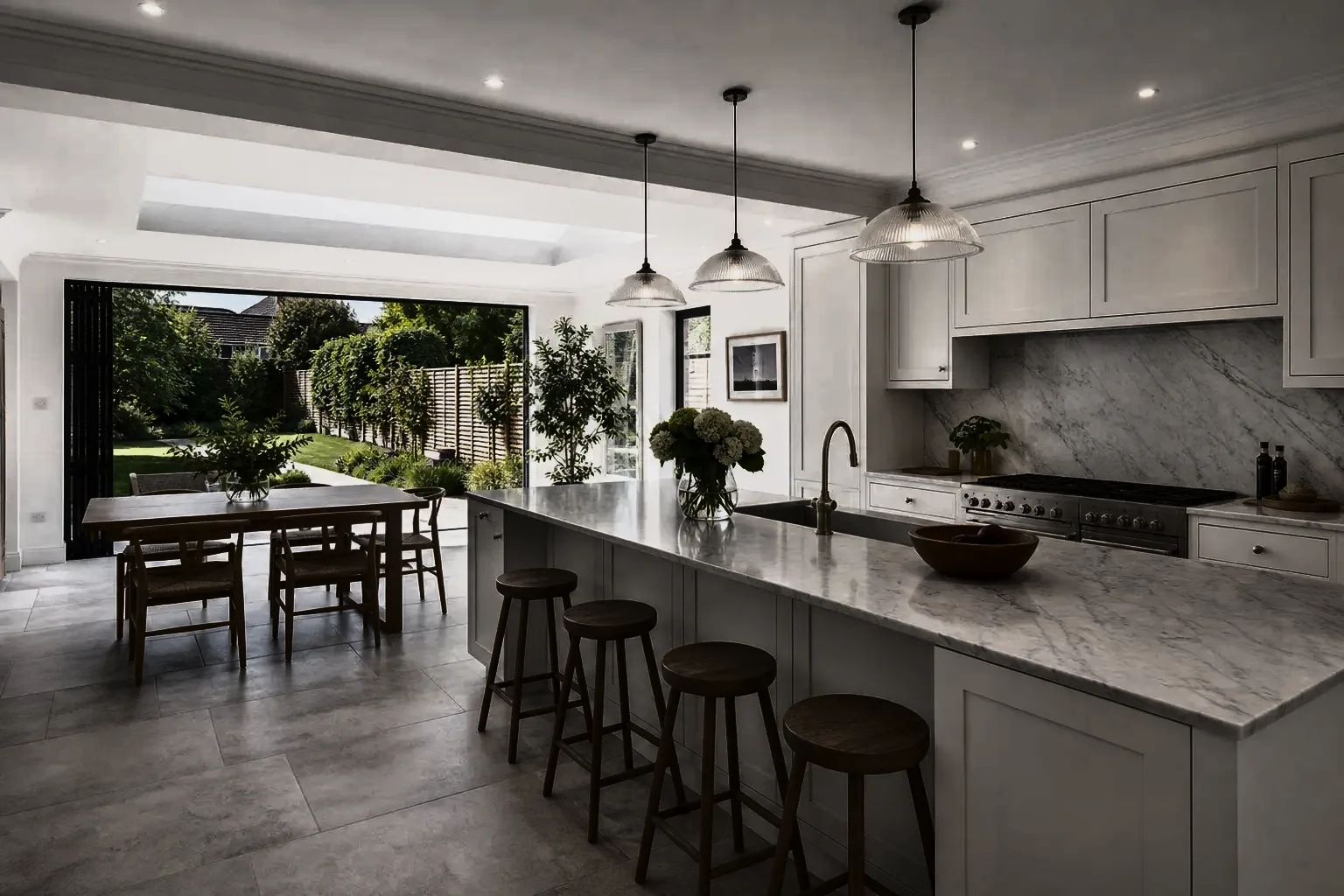
Three bracketed exposures
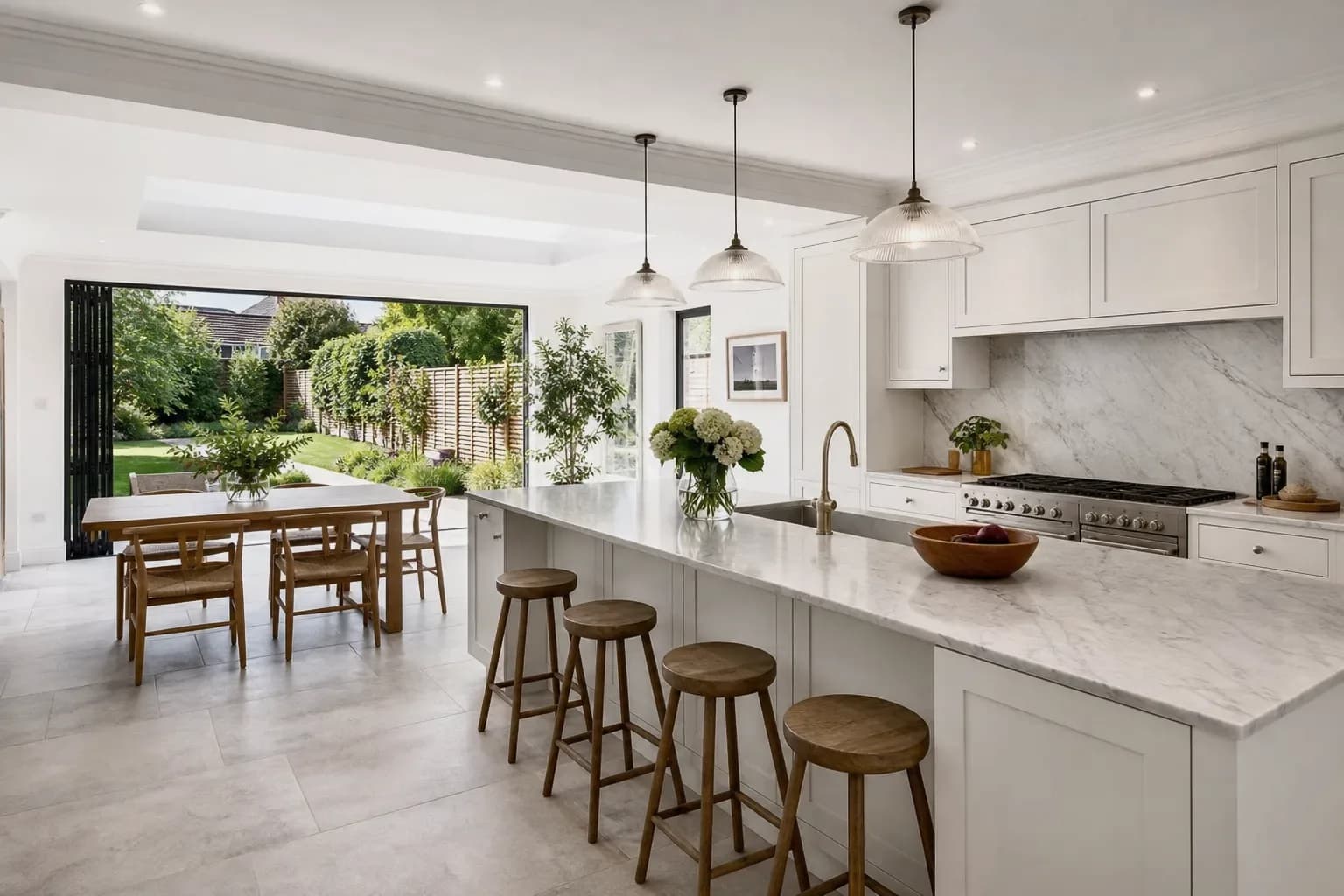
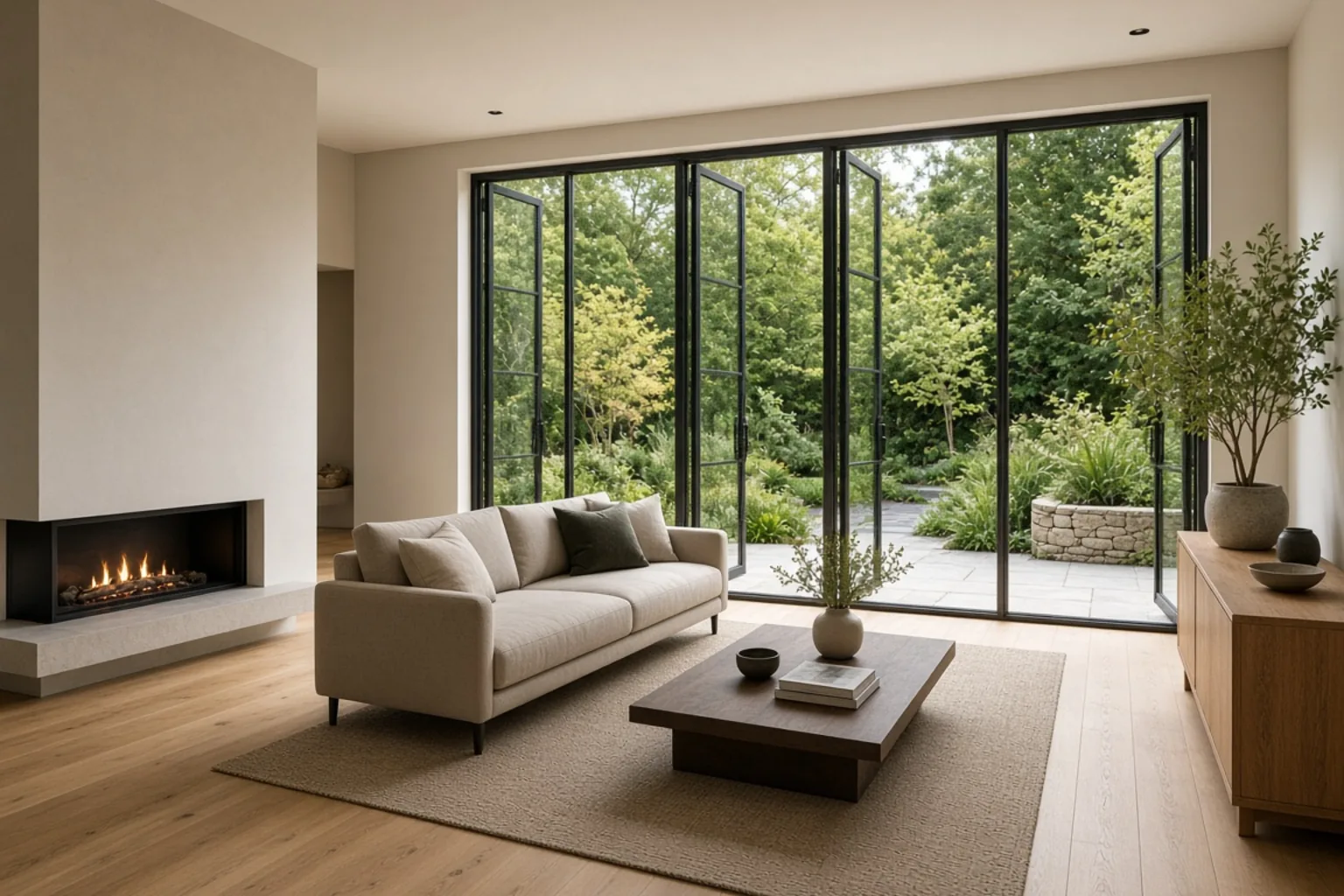 Merged HDR
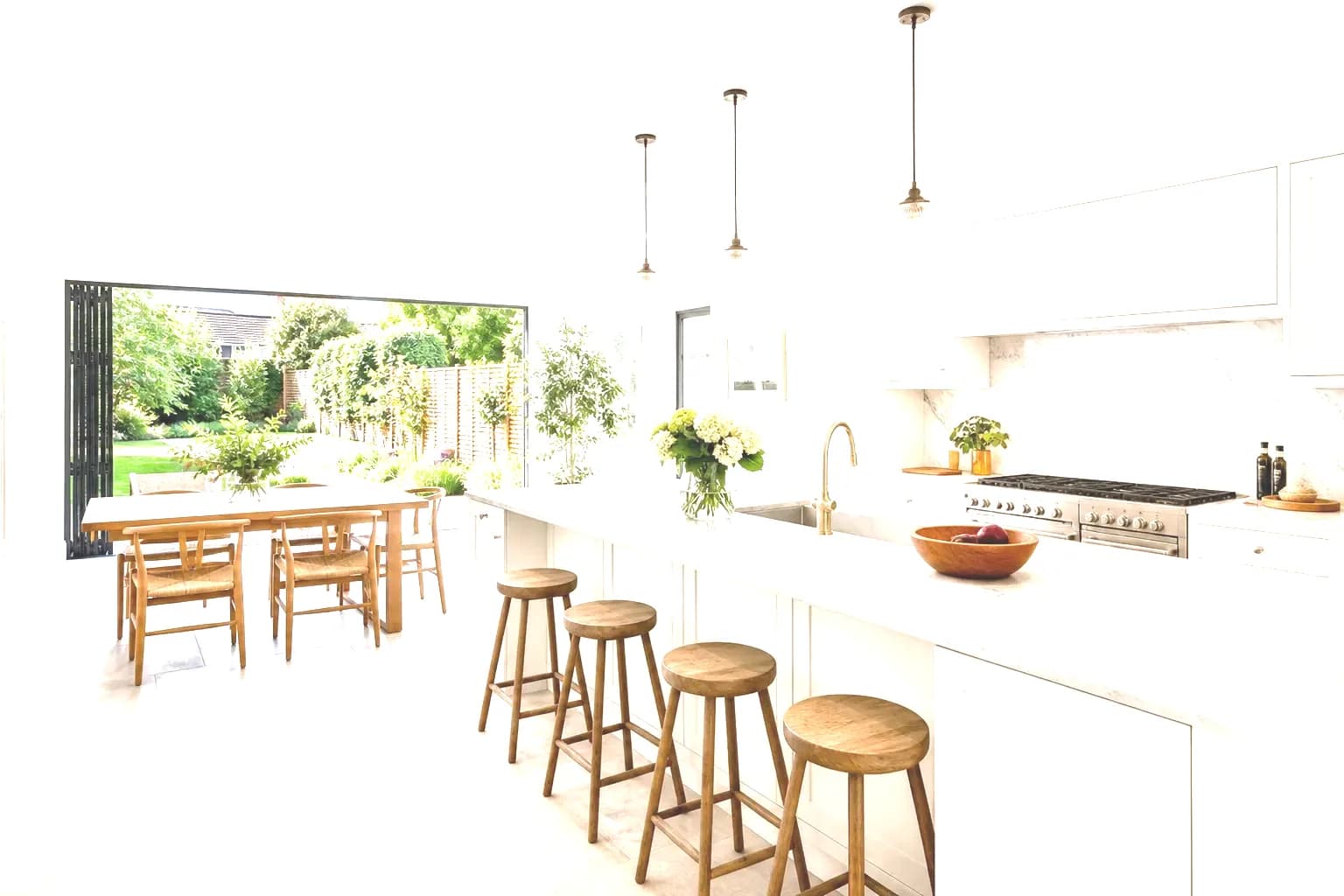
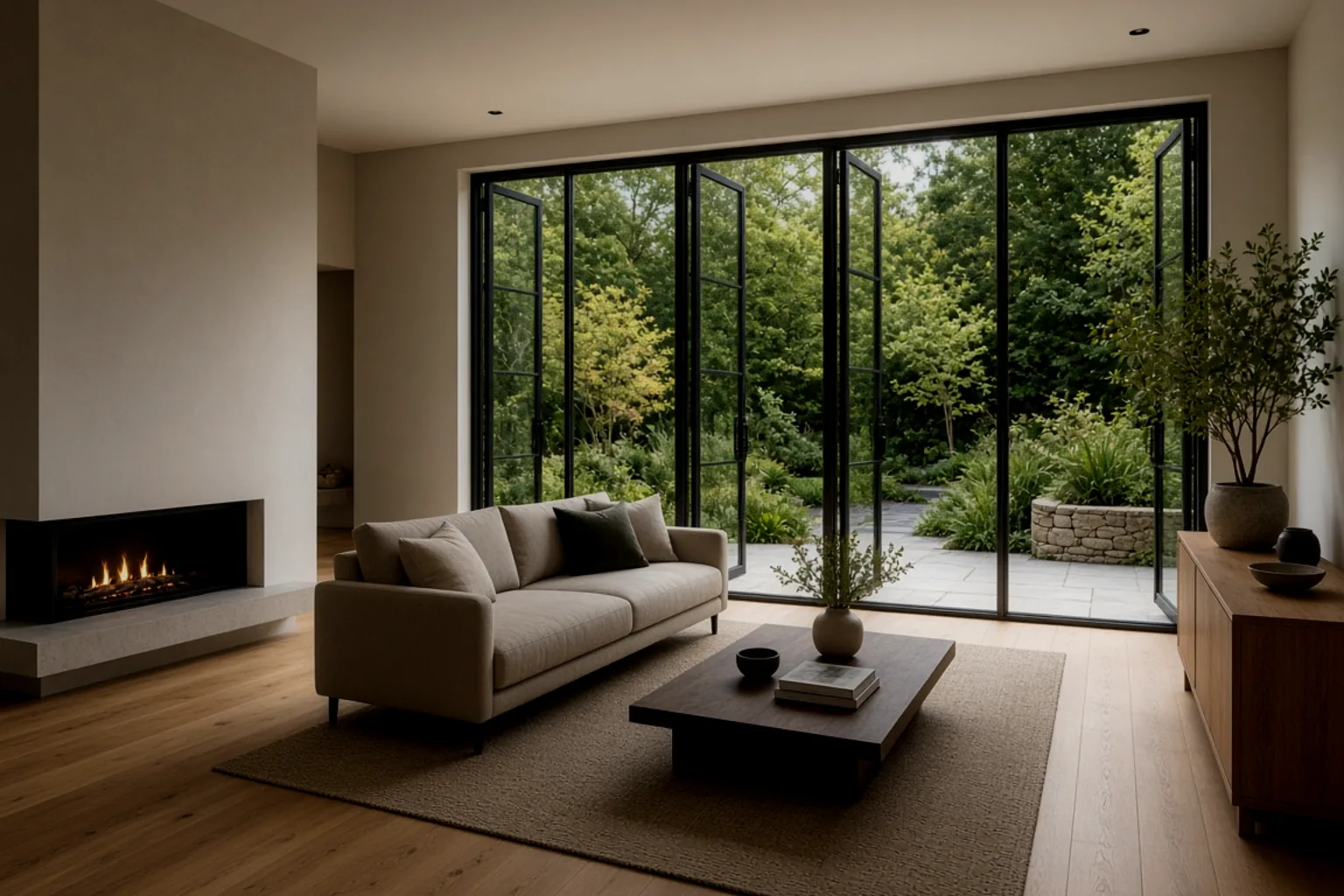 Single exposure
The lighting problem
A single exposure forces a choice: a bright room with a white window, or a visible view with a dark interior. HDR captures both. The slider shows the contrast problem; the finished merge is what HDRPhoto is built to produce.
The merge is designed to hold highlight detail from the darker exposures so bright windows do not have to blow out to white.
Shadow detail from the brighter frames lifts dark corners without forcing a flat, over-processed look across the room.
White-balance correction is aimed at neutral walls and believable wood tones, not the haloed HDR look buyers distrust.
How HDRPhoto works
1
Drag in bracketed exposures or supported individual property images. Capture times are read from EXIF so frames shot within a couple of seconds are grouped as one HDR stack, and images from the same folder become one listing.
2
HDRPhoto identifies bracket sets, merges the exposures and applies the available image-enhancement processes — colour, white balance, window detail and vertical correction — then queues the next image.
3
Open the listing in the studio and compare the processed image with the first source file. Check windows, colour and geometry before you download.
4
Download individual JPEGs or the completed property set as a ZIP, then send the photographs to PhotoClear, HyperDusk, Virtual Staging or a 360 tour if the listing needs a further step.
Features
Drop in bracketed exposures. HDRPhoto groups frames captured close together and merges them into one balanced photograph.
Recover the view through bright windows while keeping the interior naturally lit, so rooms show both the space and the outlook.
Frames are aligned before they are merged, which helps with small handheld movement, curtains and foliage between exposures.
Mixed interior lighting is corrected toward a natural, listing-ready look rather than an over-cooked HDR treatment.
Upload a complete property set. Folders become listings, stacks process in the background, and you download the finished set.
Slight movement between frames is corrected automatically. Vertical and perspective correction is also available in the workflow.
Use HDRPhoto for the repetitive blending work across a listing, then keep Lightroom for the handful of hero frames that need a personal grade.
Photographer workflowOne ReHub login. HDR processing uses a monthly HDR image allowance; ReHub Credits stay available for the rest of the ReHub workflow.
Agency and team usePrefer to compare tools first? See HDRPhoto versus Lightroom, Photoshop and outsourcing.
Pricing
Professional property HDR processing with straightforward monthly pricing. Choose the volume that works for your business.
Monthly volume
500
HDR Credits / month
Currency
Monthly price
£179 / month
Effective price
36p per edit
Recommended for most photographers
ReHub Studio
Send a finished photograph on to PhotoClear, HyperDusk, Virtual Staging or ImageMotion — same ReHub login, no extra account.

Remove clutter and distractions from listing photographs.
Enhance a single exposure with PhotoClear

Turn daytime exteriors into dusk photographs.
Turn an exterior into dusk with HyperDusk

Add furniture to empty rooms for listing marketing.
Virtually stage an empty room

Turn finished listing photographs into property video.
Animate a finished listing photograph
Guides
Compare Lightroom HDR Merge with automatic property photo processing. Discover which workflow suits real estate photographers, estate agents and high-volume shoots.
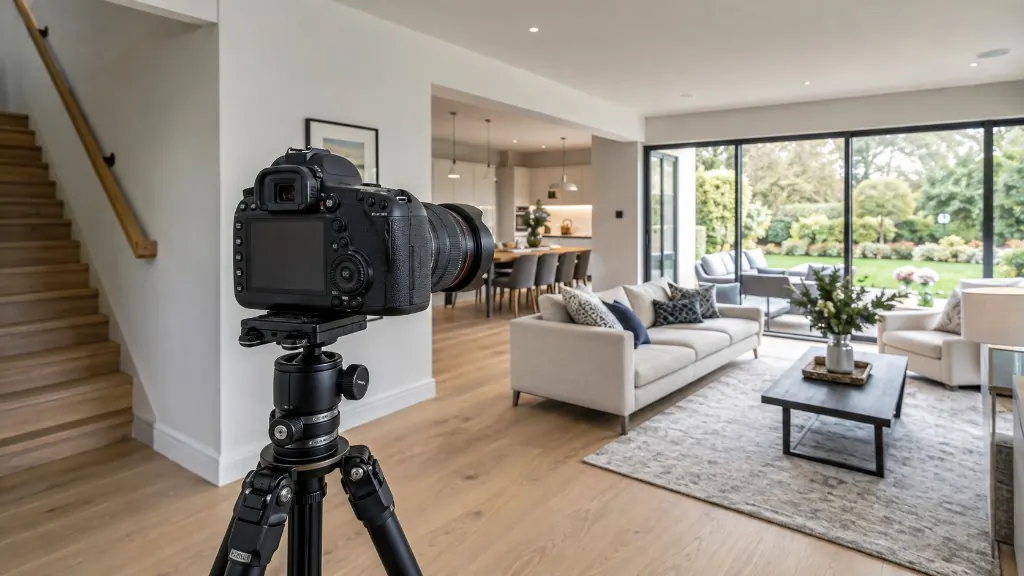
Starting points for aperture, ISO, shutter speed and white balance — and how to bracket so windows and interiors both hold detail.
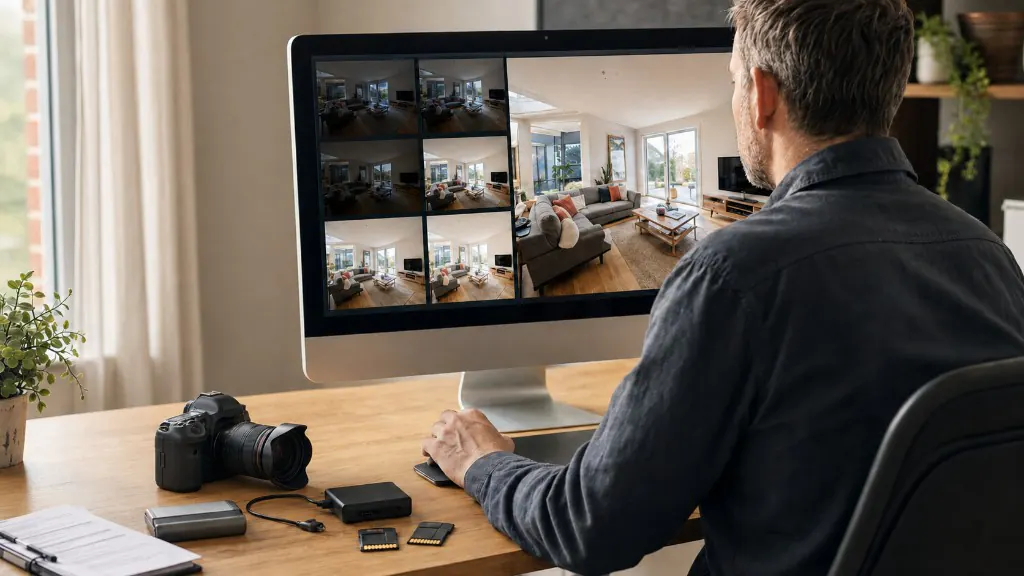
A repeatable property photography workflow from brief and kit check to HDR processing, quality control and delivery.
Three to five brackets are typical for interiors. HDRPhoto also groups two-frame stacks and can enhance single images that are not part of a bracket.
HDR property photography blends several exposures of the same room so both the interior and the bright window view stay visible. Photographers typically shoot a darker frame for the windows, a mid frame for the room and a brighter frame for the shadows, then merge them into one natural-looking image.
Read the full explanationHDRPhoto Studio is a specialist HDR and image-enhancement workflow for property photography. It groups bracketed exposures, merges them into one balanced photograph and applies colour, white-balance and vertical correction so listing images are ready to review and download.
Read the full explanationHDRPhoto reads capture times from EXIF and groups frames shot within about two seconds as one stack. Those exposures are aligned, merged and enhanced. Single images that are not part of a bracket can still be processed as individual photographs.
Read the full explanationAsk ChatGPT, Perplexity, Grok, Claude or Gemini about HDRPhoto’s bracket merging, window pull, pricing and whether it fits your property photography workflow.
These buttons open third-party AI assistants. HDRPhoto Studio is not partnered with or endorsed by OpenAI, Perplexity, xAI, Anthropic or Google.
Upload a listing set, review the merged photographs and download them in the same ReHub account you already use.
10 free HDR edits every month until 31 December 2026. No card required.