
Lightroom HDR vs Automatic Property Photo Processing
Compare Lightroom HDR Merge with automatic property photo processing. Discover which workflow suits real estate photographers, estate agents and high-volume shoots.

Key Takeaways
- Lightroom remains the stronger choice when a photograph needs detailed local control.
- Automatic processing is designed for complete listing sets, turnaround and consistency.
- A preset is not the same as analysing each bracketed set individually.
- The true cost of editing includes software, time, revisions and delivery.
- Many photographers process the main set automatically and finish hero images in Lightroom.
Lightroom HDR Merge gives photographers detailed creative control, while automatic property photo processing is designed to produce consistent, listing-ready images with less manual work.
For individually crafted hero images, Lightroom is usually the stronger option. For photographers processing complete property or real estate photography shoots at volume, an automated platform such as HDRPhoto can provide a faster and more repeatable workflow.
The right choice therefore depends less on which tool is “better” and more on whether you prioritise complete creative control or efficient, consistent delivery.
What is Lightroom HDR Merge?
Lightroom HDR Merge combines multiple exposure-bracketed photographs into one high-dynamic-range image.
A property photographer might capture a dark exposure to retain the view through a window, a middle exposure for the room and a brighter exposure for shadow detail. Lightroom analyses those photographs and creates a merged DNG file containing a wider range of tonal information.
Adobe’s HDR Merge includes options such as:
- Auto Align
- Auto Tone
- Low, medium or high deghosting
- Deghost overlay
- Automatic stacking of source exposures
The resulting DNG remains editable. Photographers can adjust exposure, highlights, shadows, colour, white balance, perspective, masks and local details before exporting the final JPEG.
Adobe describes Auto Tone as a useful starting point rather than a finished property photograph. That distinction matters: HDR Merge combines the exposures, but the photographer is normally still responsible for completing the edit. Adobe’s HDR Merge guide explains the available merge and deghosting controls.
What is automatic property photo processing?
Automatic property photo processing handles more of the journey from exposure brackets to a finished image.
Instead of manually merging each set and then adjusting the resulting files, photographers upload their bracketed photographs to a platform built specifically for property and real estate imagery. The software processes the exposures and returns enhanced images intended for listing use.
A specialist workflow may automatically address:
- Exposure blending
- Brightness and contrast
- Shadow and highlight balance
- Colour and white balance
- Window detail
- Perspective and lens corrections
- Sharpening and noise
- Consistency across the complete property
The objective is not to replace every creative decision a professional photographer can make. It is to automate the repeatable editing involved in delivering a complete residential listing.
See how property photo editing fits the listing workflow
Lightroom HDR vs automatic processing: the key differences
| Area | Lightroom HDR Merge | Automatic property processing |
|---|---|---|
| Primary purpose | General professional photo editing | High-volume property photo processing |
| HDR workflow | Merges brackets into an editable DNG | Processes brackets towards a finished image |
| Creative control | Extensive | More streamlined |
| Manual input | Usually required after merging | Designed to minimise routine editing |
| Consistency | Depends on presets and adjustments | Designed for repeatable output |
| Local masking | Comprehensive | Usually limited or automatic |
| Learning curve | Higher | Lower |
| Best suited to | Bespoke edits and hero images | Complete listing sets and regular volume |
| Hardware | Desktop software and local processing | Browser-based processing |
| Workflow cost | Subscription plus editing time | Typically based on usage or image volume |
Compare HDRPhoto with Lightroom, Photoshop and outsourced editing
Where Lightroom is stronger
Lightroom remains an excellent choice when a photograph needs individual attention.
Its masking tools allow a photographer to adjust windows, walls, ceilings, furniture and exterior areas independently. Colour controls can be used to correct difficult mixed lighting, while perspective and geometry tools provide detailed control over vertical and horizontal lines.
This makes Lightroom particularly valuable for:
- Luxury property hero images
- Architectural photography
- Difficult mixed-light scenes
- Bespoke colour grading
- Images requiring detailed local corrections
- Photographers developing a distinctive visual style
Lightroom also creates an editable DNG from the bracketed source photographs. This preserves considerable flexibility for subsequent adjustments.
If a single image will appear on a magazine cover, full-page advertisement or major property campaign, spending additional time in Lightroom—or Lightroom and Photoshop—can be entirely justified.
Where automatic property processing is stronger
Automatic processing is strongest when speed and consistency matter across an entire shoot.
A photographer may return from a property with 25 final compositions and three or five bracketed exposures for each one. Merging, reviewing and adjusting every composition manually can become a substantial part of the working day.
That time has a real commercial cost.
An automatic workflow can help when:
- Several properties are photographed each day
- Clients expect next-day or same-day delivery
- Every listing needs a consistent house style
- Editing is limiting the number of shoots that can be accepted
- The photographer wants to spend more time shooting or selling
- An agency processes photographs internally
- Outsourced editing is becoming expensive or unpredictable
HDRPhoto is designed specifically around this part of the property photography workflow. Bracketed photographs are uploaded through a browser and processed into enhanced property images without requiring photographers to merge and adjust every set individually.
Is automatic processing the same as applying a preset?
No. A Lightroom preset applies a stored collection of adjustments, but it does not necessarily understand the requirements of each room or merge a bracketed set into an appropriate finished photograph.
Presets can be extremely useful for establishing a consistent starting point. However, a preset that works well in a bright kitchen may perform poorly in a dark bedroom with mixed artificial light.
Automatic processing analyses each image or bracket set individually. Its purpose is to adapt the processing while maintaining a consistent overall result.
Photographers can also combine the two approaches: use automatic processing for the main listing set, then complete any exceptional hero images manually in Lightroom.
Which workflow is faster?
Automatic processing generally requires less active editing time.
Lightroom can merge multiple exposures efficiently, but the photographer must still import and organise the files, identify each bracketed sequence, review merge settings, generate the DNGs, complete the edits and export the results.
Lightroom does support shortcuts, presets, synchronised adjustments and batch operations. An experienced user can build a highly efficient workflow, but it still requires management and visual review.
With an automatic property-processing platform, the photographer uploads the exposures and reviews the processed results. This shifts the workflow from editing every photograph to quality-checking the completed set.
The practical difference becomes more noticeable as volume increases. Saving a few minutes per image can represent several hours across a busy week.
See a complete property photography workflow from shoot to delivery
Which produces the best image quality?
Neither approach wins in every situation.
Lightroom offers the greater potential for detailed, image-specific refinement. In the hands of an experienced editor, it is the better choice when every area of a photograph must be precisely controlled.
Automatic processing offers consistency and efficiency. It can be the better commercial choice when the images are intended for property portals, MLS listings, estate agency websites and everyday marketing.
Image quality also depends heavily on the source photographs. Stable framing, sensible exposure spacing, an appropriate aperture and complete highlight and shadow information give either workflow better material to process.
No software can fully recover detail that was not captured in any of the original exposures.
What about movement and ghosting?
Movement between exposures can cause ghosting. Common examples include:
- Leaves and branches moving outside
- Curtains moving in a breeze
- People walking through the frame
- Television screens changing
- Reflections or passing vehicles
- Handheld camera movement
Lightroom provides selectable deghosting levels and an overlay showing affected areas. Adobe recommends beginning with a low setting and increasing it only when necessary.
Automatic processing may also correct alignment and movement, but no HDR workflow can guarantee perfect results in every scene. Photographers should still review areas containing people, foliage, reflections and moving screens before delivery.
Using a tripod and capturing brackets quickly reduces the likelihood of problems.
Can automatic processing replace Lightroom completely?
For some property photographers, it may replace Lightroom for much of the routine processing. It is less likely to replace it for every photograph.
A sensible professional workflow can use both:
- Process the complete listing through an automatic platform.
- Review the returned photographs for consistency and accuracy.
- Deliver images that already meet the required standard.
- Take exceptional or difficult frames into Lightroom when additional control is justified.
This avoids spending equal editing time on every photograph. A utility room does not normally require the same level of attention as the lead image of a luxury living space.
Which option is more cost-effective?
The true cost of editing includes both software charges and the photographer’s time.
Lightroom uses a subscription model, but the cost per image appears very low when large numbers are processed. The less visible cost is the time spent merging, correcting and exporting those images.
Automatic processing has a clearer per-image or volume-based cost. In return, it can reduce editing time and potentially allow a photographer to:
- Photograph more properties
- Deliver work sooner
- Reduce evening editing
- Avoid or reduce outsourcing
- Maintain consistent results as the business grows
The right calculation is not simply “Which software costs less?” It is:
What does each completed listing cost after software, editing time, revisions and delivery are included?
For a low-volume photographer who enjoys editing, Lightroom may remain the most economical option. For a busy property media business, paying for automated processing may cost less than completing every edit manually.
Lightroom or HDRPhoto: which should you choose?
Choose Lightroom HDR Merge if:
- You want complete creative control
- You regularly create premium hero images
- You need detailed masking and local corrections
- Editing is an important part of your photographic style
- Your weekly image volume is manageable
Choose automatic property photo processing if:
- You process complete listing sets regularly
- Turnaround and consistency are commercial priorities
- Manual editing is restricting your capacity
- You want a browser-based workflow
- You would prefer to review images rather than build every edit manually
For many professionals, the best answer is not Lightroom or automatic processing. It is automatic processing for volume and Lightroom for the photographs that genuinely benefit from additional attention.
Try automatic HDR property photo processing
HDRPhoto is built for property and real estate photographers who shoot bracketed exposures and want to reduce routine editing.
Upload a bracketed set, review the result and compare it with your existing Lightroom workflow. There is no need to move your entire workflow immediately—the most useful test is a real property shoot containing bright windows, mixed lighting and both interior and exterior photographs.
- #Lightroom HDR vs automatic property photo processing
- #Lightroom HDR real estate photography
- #property photo editing
- #automatic HDR processing
- #real estate photo editing software
Frequently Asked Questions

Ben Gutierrez
Founder, ReHub Studio
Ben builds HDRPhoto and the wider ReHub Studio suite for property photographers, estate agents and marketing teams. He writes about HDR workflows, editing time and delivering consistent listing photography.
Try 10 HDR photo edits free
Upload a bracketed set, review the result and compare it with your existing Lightroom workflow. No credit card required.
10 free HDR edits every month until 31 December 2026. No card required.
Related Articles
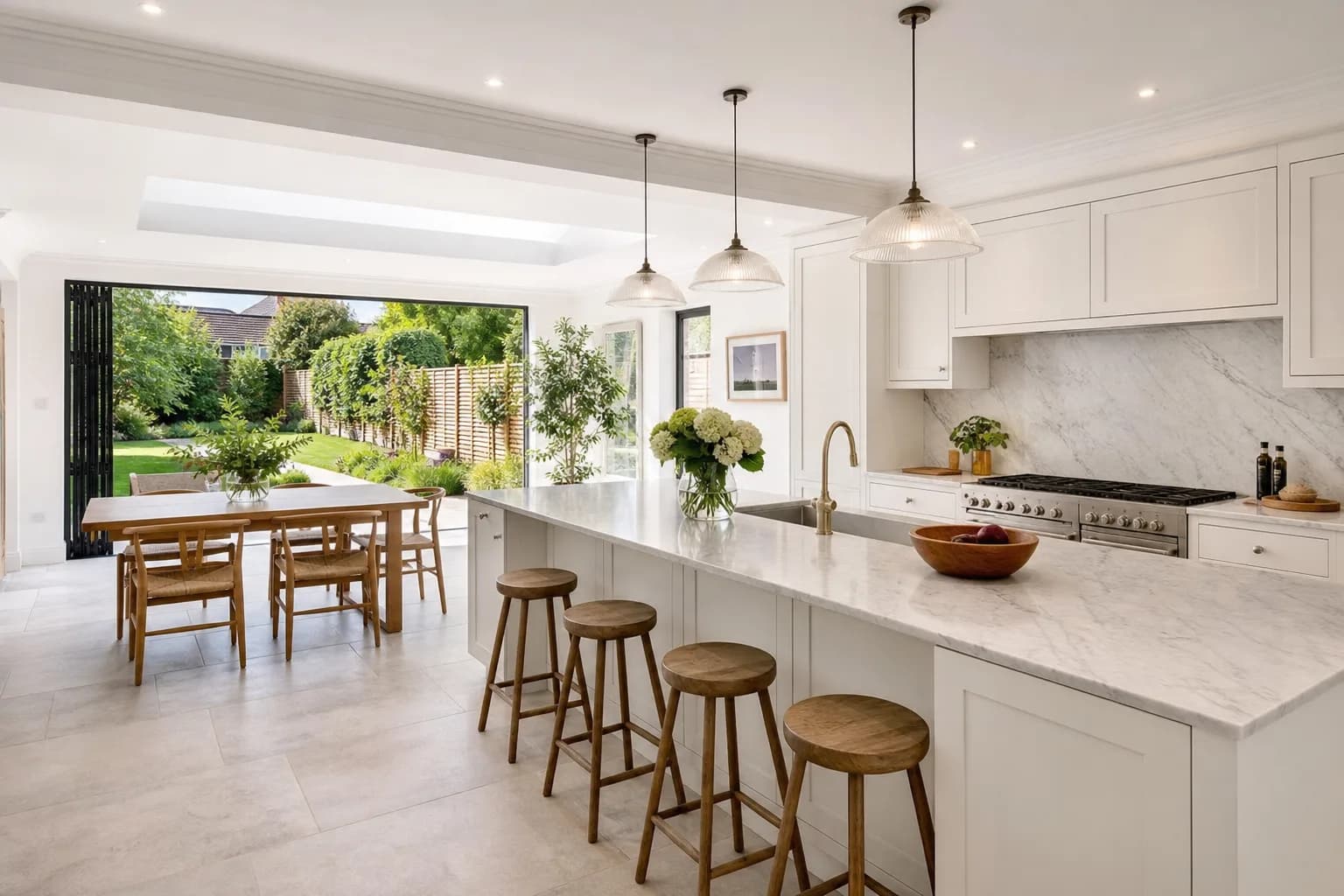
How to Avoid Over-Processed HDR Property Photos
Natural listing HDR keeps walls believable and windows bright. Halos, crunch and neon grass are signs the merge went too far.
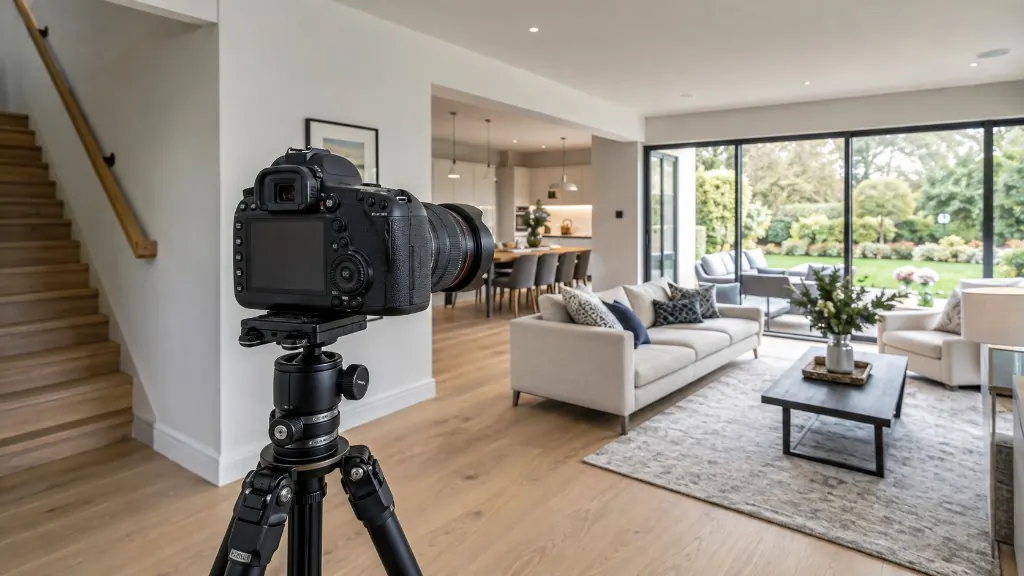
Best Camera Settings for Interior Property Photography
Starting points for aperture, ISO, shutter speed and white balance — and how to bracket so windows and interiors both hold detail.

The Complete Property Photography Workflow: From Preparation to Delivery
A repeatable property photography workflow from brief and kit check to HDR processing, quality control and delivery.