
Editing Workflows
Lightroom HDR vs Automatic Property Photo Processing
Compare Lightroom HDR Merge with automatic property photo processing. Discover which workflow suits real estate photographers, estate agents and high-volume shoots.
10 min

HDRPhoto Studio Blog
Practical guides on HDR property photography, camera settings, bracketing and editing workflows for photographers, estate agencies and property marketing teams.
Compare Lightroom HDR Merge with automatic property photo processing. Discover which workflow suits real estate photographers, estate agents and high-volume shoots.
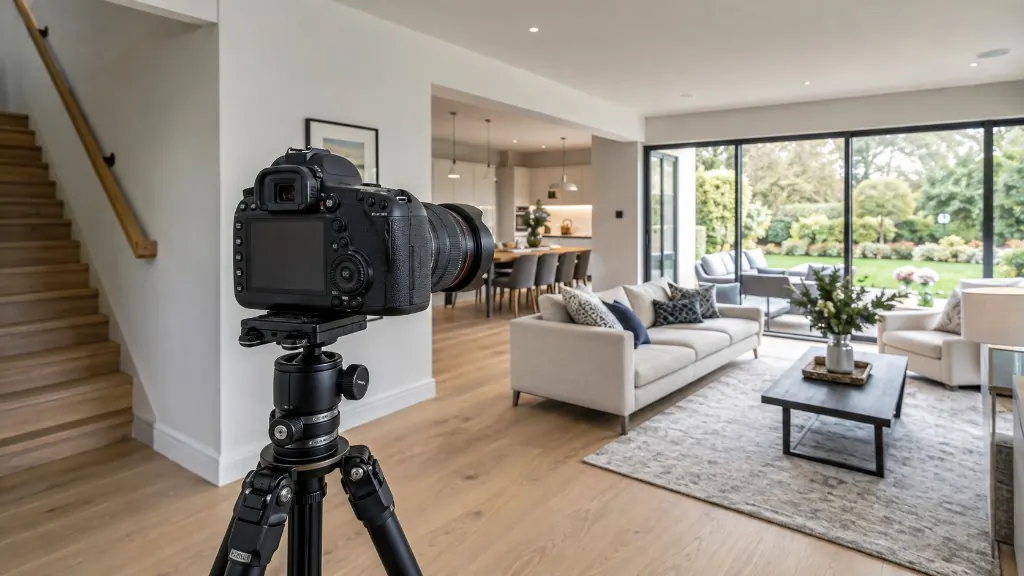
Starting points for aperture, ISO, shutter speed and white balance — and how to bracket so windows and interiors both hold detail.
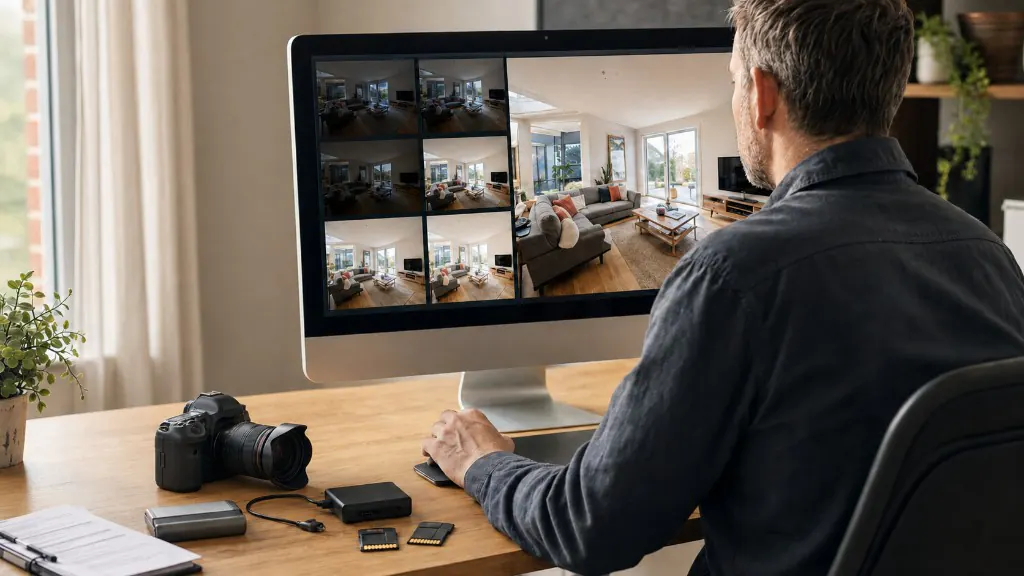
A repeatable property photography workflow from brief and kit check to HDR processing, quality control and delivery.
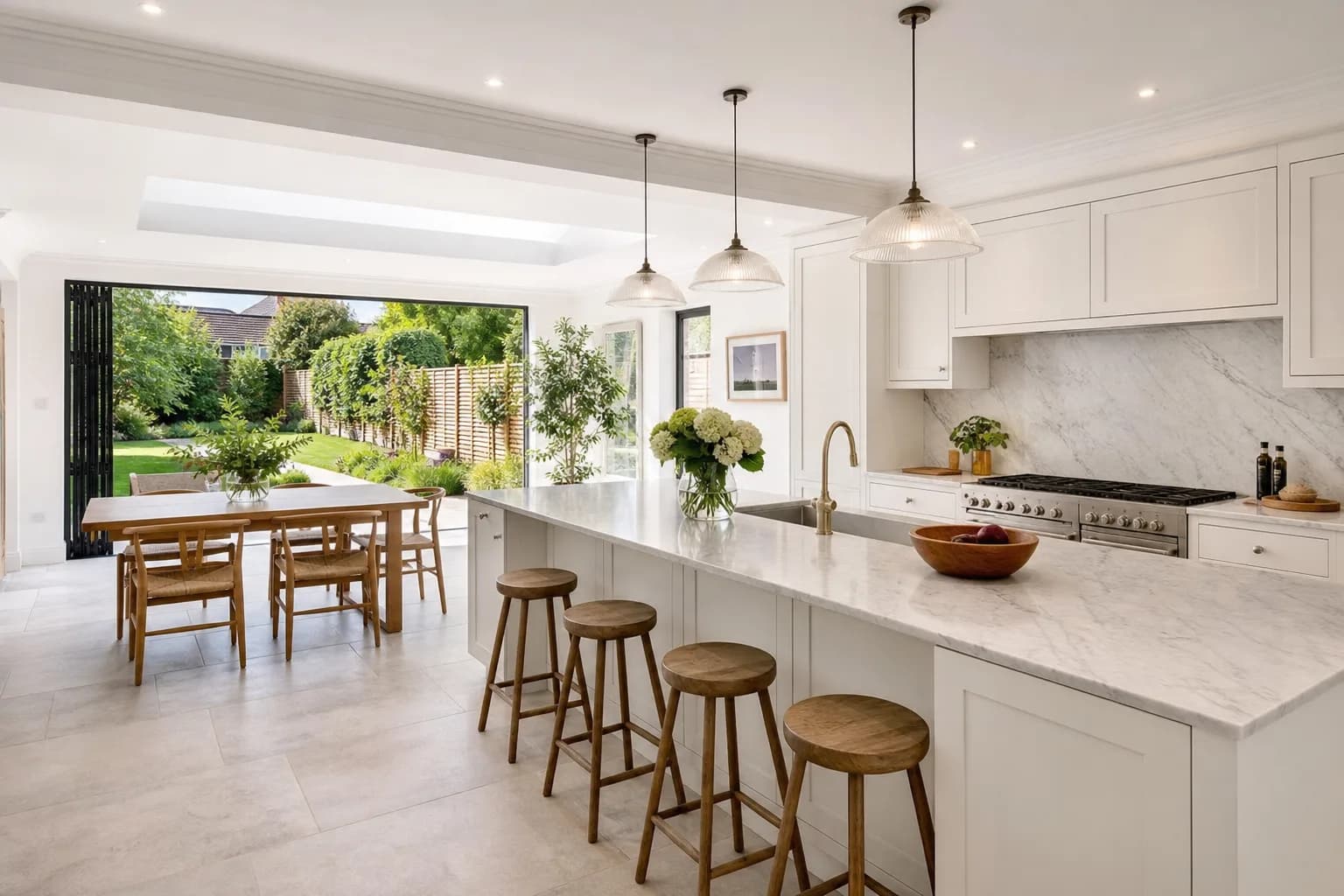
Upload a property folder, let HDRPhoto group timed brackets, review the merged JPEGs and download the set — one ReHub credit per finished image.
Three exposures cover most interiors. Five help on hard sun. Two can still merge. One cannot recover a white window.
Natural listing HDR keeps walls believable and windows bright. Halos, crunch and neon grass are signs the merge went too far.
A practical shooting sequence for interiors you intend to merge — from lens choice and lights to the bracket itself.
Window views survive when you capture a darker exposure that still holds the garden — not when software invents one later.
HDR property photography blends several exposures of the same room so both the interior and the window view stay visible.
Looking for something specific? Browse by Editing Workflows, Camera Settings, Property Photography, ReHub Studio Guides, HDR Photography.
Upload a listing set, review the merged photographs and download them in the same ReHub account you already use.
10 free HDR edits every month until 31 December 2026. No card required.