
How HDRPhoto Studio Works
Upload a property folder, let HDRPhoto group timed brackets, review the merged JPEGs and download the set — one ReHub credit per finished image.
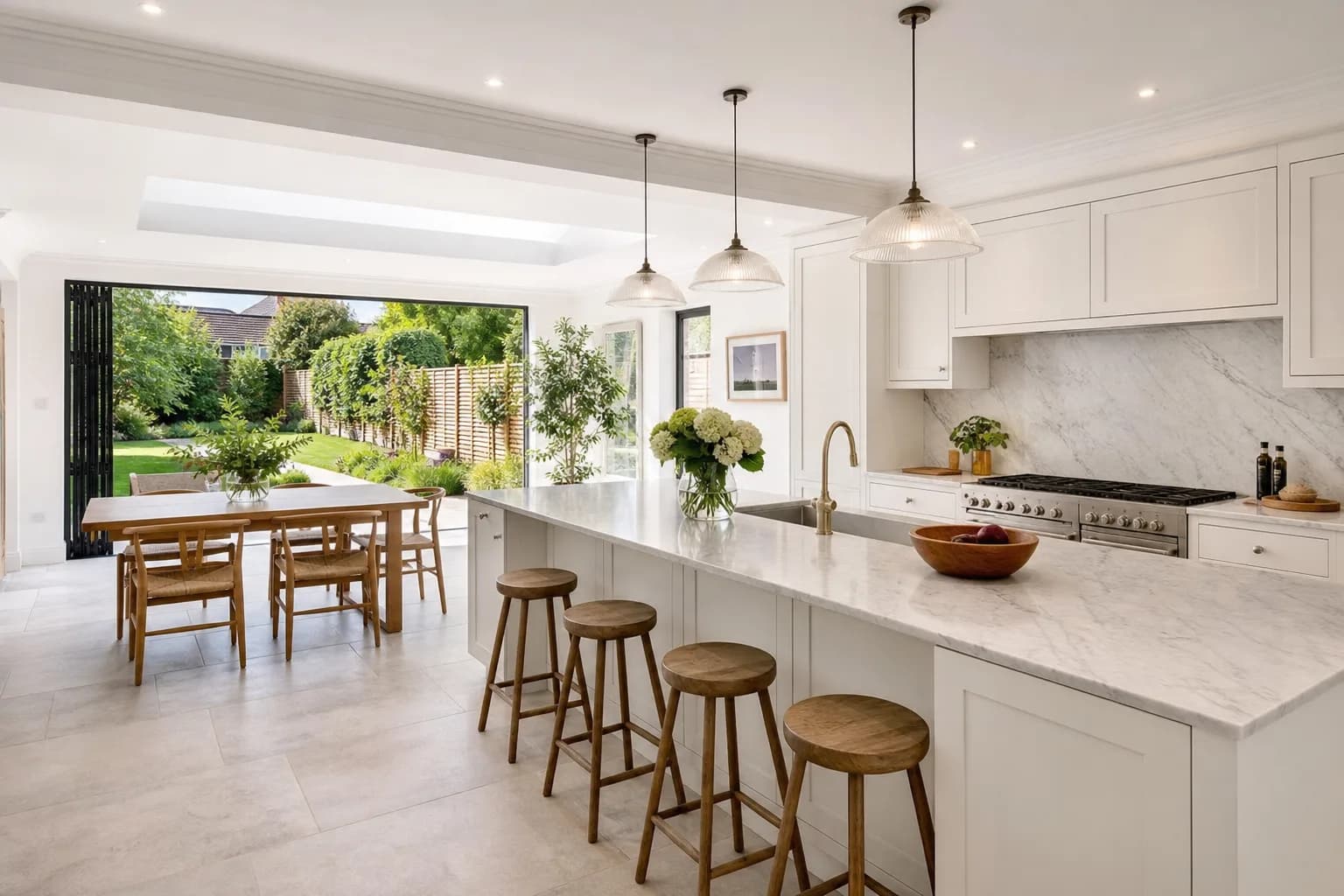
Key Takeaways
- Folders become listings; timed frames become stacks.
- Review happens before you download.
- Failed jobs are not charged.
The application does not claim to finish a sixty-image shoot in a few seconds. Jobs run sequentially. Plan for minutes per image depending on the queue.
Credits follow the published rule: 1 ReHub credit per processed image. Welcome credits can be used here. See pricing for packs, expiry and volume enquiries.
Frequently Asked Questions

HDRPhoto Editorial
Property photography editors
Practical guides on HDR property photography, camera settings and editing workflows, written by the ReHub Studio team that builds HDRPhoto.
Try HDRPhoto on a real shoot
Upload brackets or singles and review the merged photographs in the browser.
10 free HDR edits every month until 31 December 2026. No card required.
Related Articles

Lightroom HDR vs Automatic Property Photo Processing
Compare Lightroom HDR Merge with automatic property photo processing. Discover which workflow suits real estate photographers, estate agents and high-volume shoots.
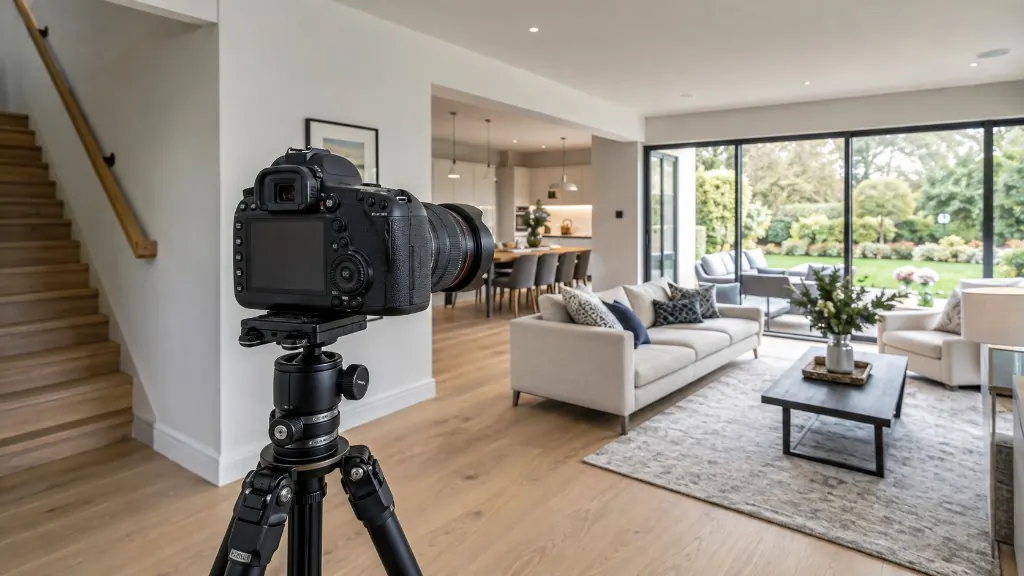
Best Camera Settings for Interior Property Photography
Starting points for aperture, ISO, shutter speed and white balance — and how to bracket so windows and interiors both hold detail.
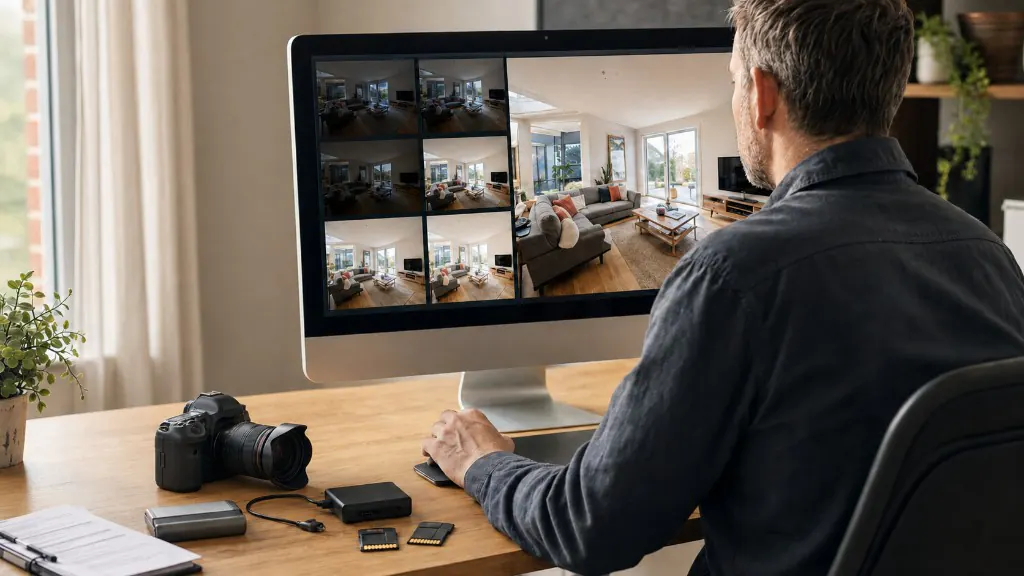
The Complete Property Photography Workflow: From Preparation to Delivery
A repeatable property photography workflow from brief and kit check to HDR processing, quality control and delivery.